Logs
FastMe Logs and Diagnostics
The Logs area helps you monitor background activity, optimization tasks, and diagnostic information generated by FastMe. It can provide useful visibility when troubleshooting problems related to caching, image processing, or delayed optimization tasks.
Logs Page Reference Images
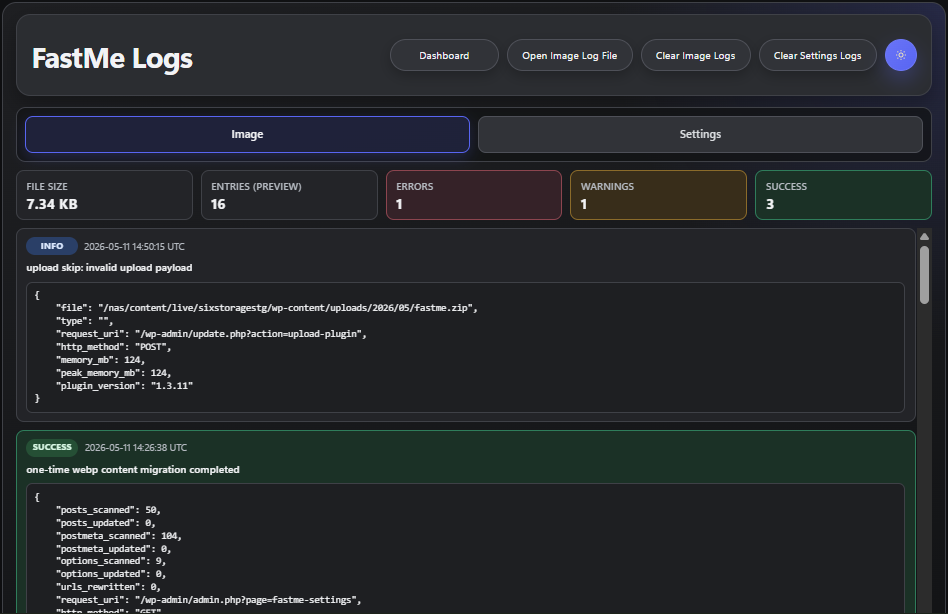
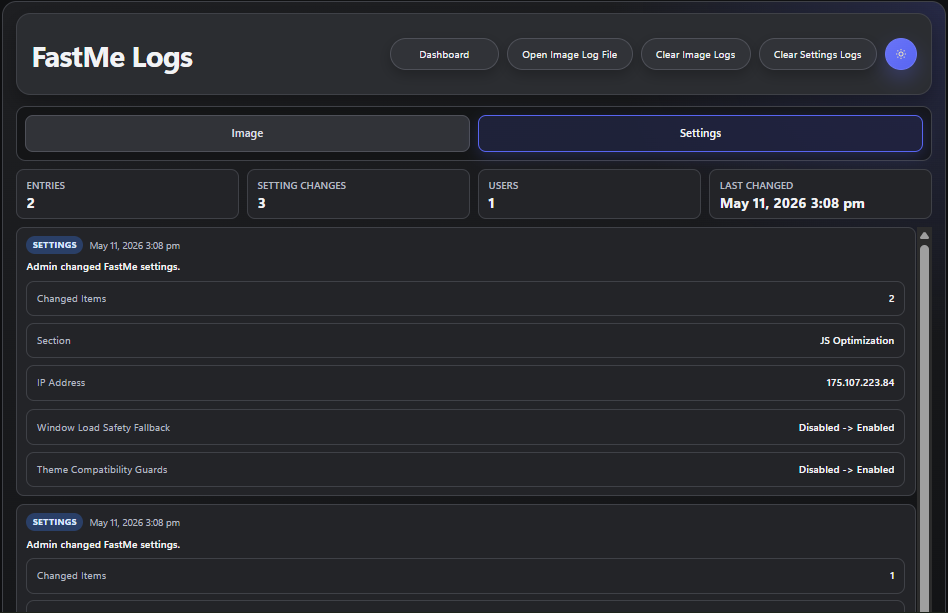
These images show examples of the Logs sections where FastMe records activity, system messages, processing status, and error-related information.
Common Situations Where Logs Help
The Logs area is especially useful when image generation appears stuck, cache actions do not behave as expected, background work seems delayed, or diagnostics report missing files and failed requests. Reviewing logs can help identify what process failed and when it happened.
Providing Logs to Support
If you contact FastMe support, screenshots from the Logs page or copies of the Logs file are usually far more useful than guessing what went wrong. Accurate logs help reduce troubleshooting time and make it easier to identify configuration or server-related issues.
Continue reading